Technology Calculator
Bandwidth Calculator
Calculate how long it takes to download a file based on its size and your connection speed.
Enter Values
Calculator loading
The guide, formula, examples, and FAQ are available below.
How to Use This Calculator
Enter File Size
Type your file size into the input field. For example: e.g., 4.7. Minimum value: 0.
Select Size Unit
Choose the appropriate option from the "Size Unit" dropdown. Options include: MB, GB, TB.
Enter Connection Speed (Mbps)
Type your connection speed (mbps) into the input field. For example: e.g., 100. Minimum value: 0.01.
View Your Result
The result appears beside the calculator with the main answer and a detailed calculation breakdown.
Adjust and Explore
Change any input value and calculate again. Use the copy and share controls to save or send your result.
On this page
Formula
Convert the file size to megabits (multiply MB by 8), then divide by the connection speed in megabits per second. Note: 1 byte = 8 bits.
Calculation methodology
This calculator uses the formula shown on the page and checks common edge cases before returning a result.
Examples and FAQs are included to explain assumptions, limitations, and practical use cases.
Source and review references
Last reviewed by the Calculator Trust Editorial Team. To report an issue, email contact [at] calculatortrust.com.
Common Examples
Understanding the Concept
Wondering how long your download will take? This bandwidth calculator estimates download time based on your file size and internet connection speed. Whether you are downloading a movie, a game, or a large software update, knowing the expected wait time helps you plan accordingly.
Understanding Mbps vs. MBps
One of the most common sources of confusion in internet speeds is the difference between megabits and megabytes:
- Mbps (megabits per second): This is how internet service providers advertise connection speeds. Note the lowercase "b" for bits.
- MBps (megabytes per second): This is how file sizes and download managers typically display transfer rates. Note the uppercase "B" for bytes.
- Conversion: 1 byte = 8 bits, so divide Mbps by 8 to get MBps. A 100 Mbps connection transfers about 12.5 MBps.
Real-world download speeds are typically 10-20% lower than the advertised speed due to network overhead, congestion, and protocol inefficiencies.
Common Internet Speed Tiers
Internet speeds vary widely depending on your provider and plan. Here are common tiers:
- Basic broadband: 25 Mbps — suitable for web browsing and standard video streaming
- Mid-tier: 100 Mbps — good for HD streaming, gaming, and moderate downloads
- High-speed: 300-500 Mbps — handles multiple 4K streams and large downloads
- Gigabit: 1000 Mbps — ideal for heavy usage, large file transfers, and many connected devices
Why Your Real Download Speed Differs from Advertised Speed
Internet service providers advertise maximum theoretical speeds, but the rate you actually experience at home is typically 60-90% of that number. Several factors contribute to this gap:
- Network overhead: Protocols like TCP/IP add headers and error-checking data to every packet transmitted. This overhead consumes roughly 5-10% of your raw bandwidth before any actual file data is transferred.
- Wi-Fi signal degradation: Wireless connections lose significant speed through walls, floors, and distance. A 300 Mbps router might deliver only 80-150 Mbps to a device two rooms away. Switching to a wired Ethernet connection can instantly double or triple your effective speed.
- Server-side throttling: The server hosting your download may limit per-connection speeds to manage their own bandwidth costs. A game distribution platform might cap downloads at 50 Mbps regardless of your plan.
- Peak-hour congestion: Cable internet connections share bandwidth among neighbors on the same node. During evening hours (7-11 PM), when many households stream video simultaneously, speeds can drop by 20-40% compared to midday.
To get the most accurate estimate from this calculator, run a speed test right before your download and use the measured speed rather than your plan's advertised rate. You will get a much more realistic time estimate.
How Internet Connection Types Compare
The type of internet connection you have fundamentally determines your maximum possible speed. Here is how the major connection technologies stack up:
- DSL (Digital Subscriber Line): Uses existing phone lines. Typical speeds range from 5-100 Mbps depending on distance from the provider's hub. Speed drops significantly the farther you are from the central office, sometimes to under 10 Mbps at distances beyond 3 miles.
- Cable: Delivered over coaxial TV cables. Common plans offer 100-500 Mbps, with some providers offering up to 1.2 Gbps. Shared bandwidth among neighborhood users means speeds can fluctuate during peak hours.
- Fiber optic: The fastest widely available technology, offering symmetrical speeds of 500 Mbps to 5 Gbps. Fiber uses light signals rather than electrical signals, providing consistently fast speeds regardless of distance or peak usage. Upload speeds match download speeds, which is a major advantage for video calls and cloud backups.
- Satellite: Available nearly everywhere, including rural areas. Modern low-orbit satellite services deliver 50-250 Mbps, but latency is higher than terrestrial connections (20-40 ms for low-orbit, 600+ ms for traditional satellite), which affects real-time applications like gaming and video calls more than raw download speed.
- 5G cellular: Fixed wireless 5G home internet delivers 100-300 Mbps on average, with potential peaks above 1 Gbps in areas with strong mmWave coverage. Availability and consistency vary greatly by location.
Real-World Download Time Examples
To give you a practical sense of how connection speed affects daily life, here are estimated download times for common file types across different internet speeds:
- HD movie (4.5 GB): 6 minutes at 100 Mbps, 1.2 minutes at 500 Mbps, 36 seconds at 1 Gbps
- AAA video game (80 GB): 1 hour 47 minutes at 100 Mbps, 21 minutes at 500 Mbps, 10.7 minutes at 1 Gbps
- Operating system update (5 GB): 6.7 minutes at 100 Mbps, 1.3 minutes at 500 Mbps, 40 seconds at 1 Gbps
- Photo album (500 MB): 40 seconds at 100 Mbps, 8 seconds at 500 Mbps, 4 seconds at 1 Gbps
- Music album (100 MB): 8 seconds at 100 Mbps, less than 2 seconds at 500 Mbps
These estimates assume you are getting full advertised speed, which rarely happens in practice. For more realistic numbers, multiply the download times above by 1.2 to 1.5 to account for typical real-world conditions.
Tips for Faster Downloads
If you find yourself frequently waiting for large downloads, these practical steps can help you get closer to your connection's maximum potential:
- Use a wired Ethernet connection. This single change often doubles effective speed compared to Wi-Fi, especially if your router is in another room. A basic Cat 5e cable supports speeds up to 1 Gbps and costs under $10.
- Schedule large downloads during off-peak hours. Downloads started at 2 AM often complete 30-50% faster than the same download during prime-time evening hours on cable connections.
- Close other bandwidth-consuming applications. Streaming video, cloud syncing services, and software updates running in the background all compete for the same bandwidth. Pausing these during a critical download can make a noticeable difference.
- Use a download manager. Tools like Free Download Manager or JDownloader can split files into multiple parallel streams, which sometimes bypasses per-connection speed limits on the server side and achieves 2-3 times faster throughput.
- Check your router placement. If you must use Wi-Fi, position your router in a central, elevated location away from microwaves, thick walls, and other electronic devices. The 5 GHz band offers faster speeds at shorter range, while 2.4 GHz penetrates walls better but at lower speeds.
Frequently Asked Questions
Why is my actual download slower than the calculator shows?
How do I check my internet speed?
What speed do I need for streaming 4K video?
What is the difference between download speed and upload speed?
Does having a faster router increase my internet speed?
How much bandwidth do I need for working from home?
Why is upload speed usually slower than download speed?
Does a VPN slow down my download speed?
Learn More
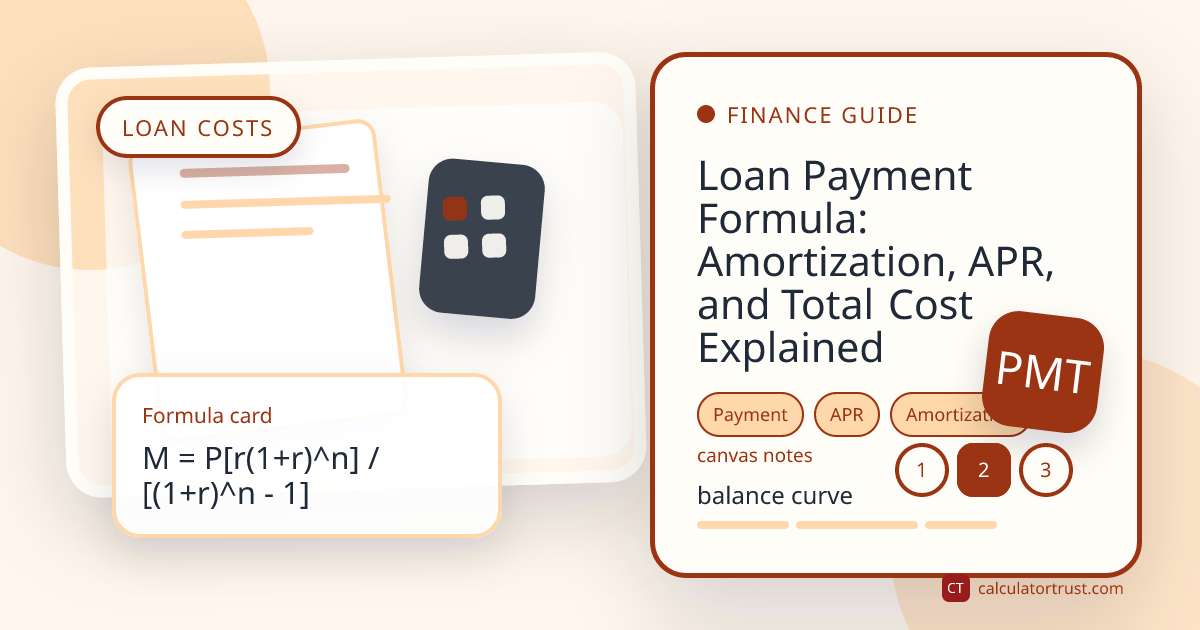
Loan Payment Formula: Amortization, APR, and Total Cost Explained
Learn how loan payments are calculated, how amortization changes principal and interest over time, and how APR, term length, and extra payments affect total cost.
Read Article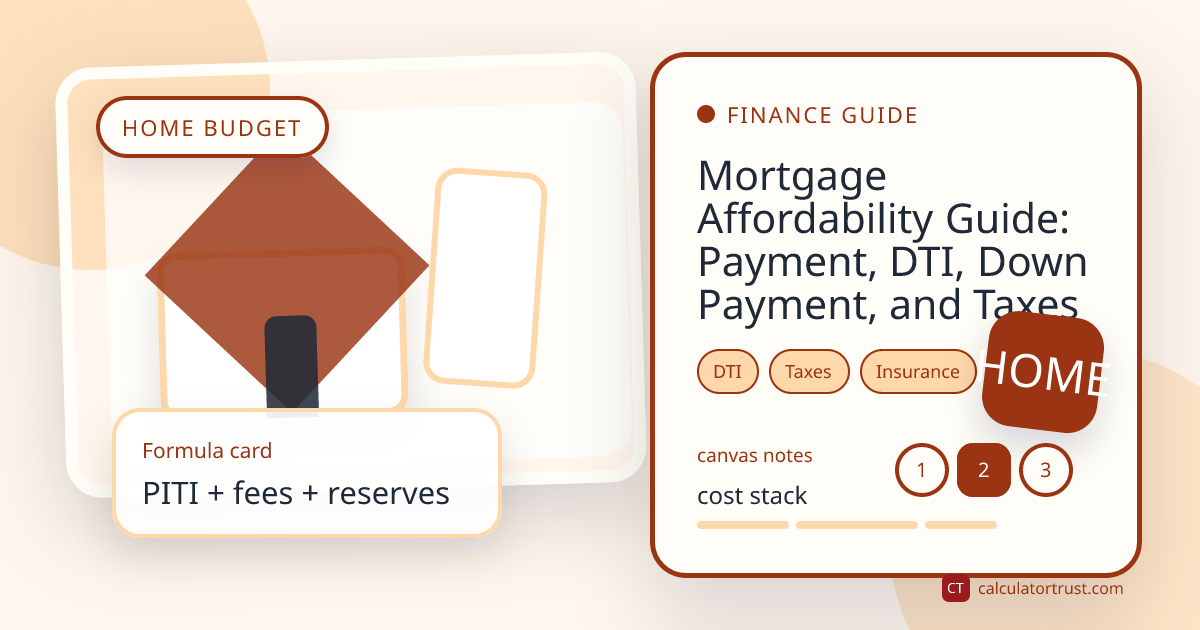
Mortgage Affordability Guide: Payment, DTI, Down Payment, and Taxes
A practical guide to estimating mortgage affordability with principal, interest, taxes, insurance, down payment, debt-to-income ratio, and cash reserves.
Read ArticleWritten and reviewed by Calculator Trust Editorial Team
Our calculators are built using verified formulas from academic, government, and scientific sources. Content is fact-checked and reviewed for accuracy.